My game is updated but the mod or cheats are not updated so i can not play my game with wemod , please update the mod .
I say start the game but it doesn’t start, so the mods don’t work
its not working, i think it needs an update. can you please update.
Hi! May I know where did you purchase your game from?
epic games
wemod sees the game, it starts the game but mods doesnt work.
just to confirm, are you able to activate mods but no effects in game?
yes exactly
Have you tried launching the game initially and waiting until you can freely navigate within the game world before opening the mods by clicking PLAY on the WeMod app? If that doesn’t work, try launching the game first, and once you are on the main menu, open the mods by clicking PLAY again.
i tried to deactivate/activate mods during gameplay via phone app. but let me try again to be sure
it says “we are experiencing a problem to start the game whic is already runing”. its the translation as my program isnt english
i also get a pop up window saying "launching failed " error code: LS-0018
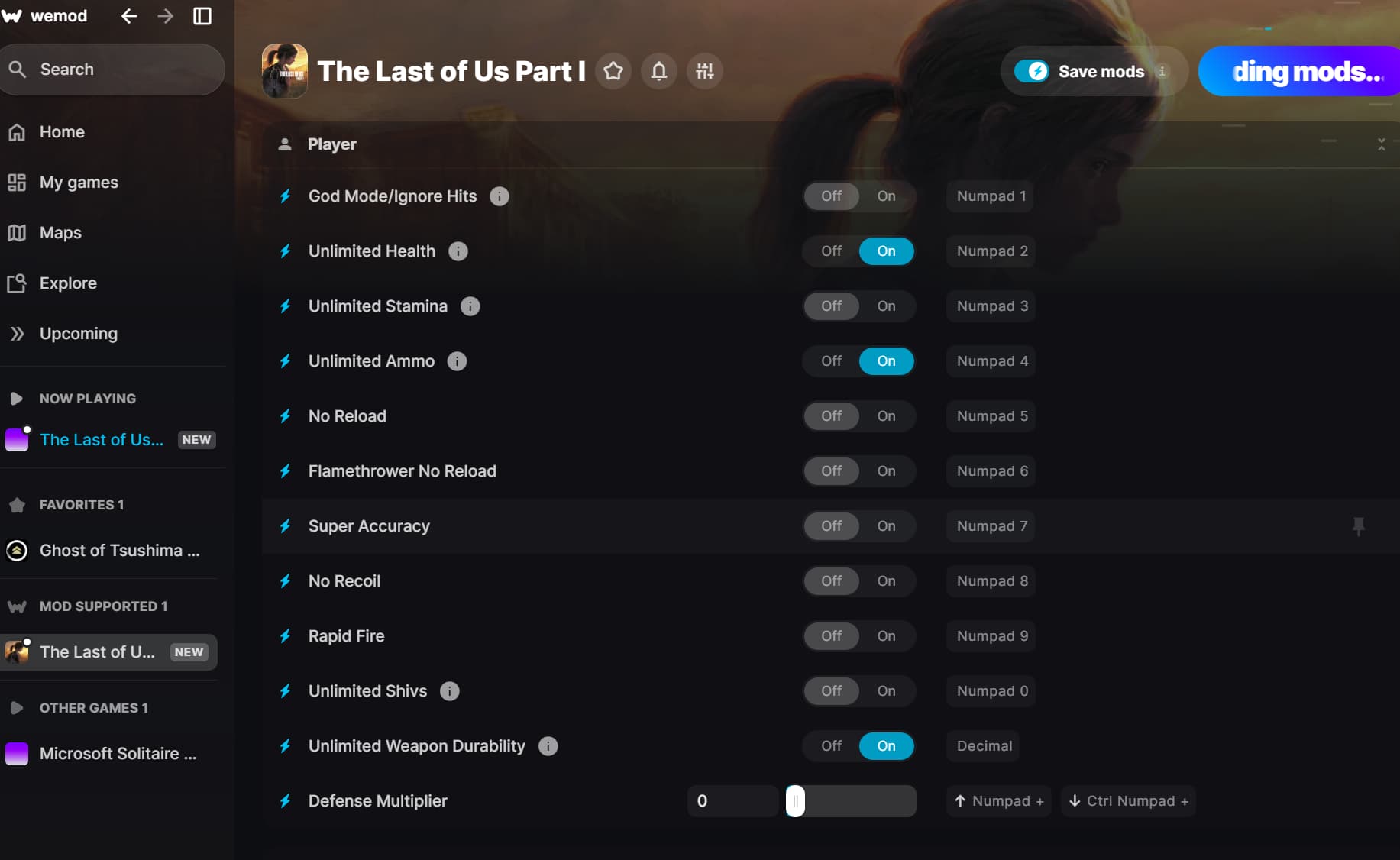
as you can see from the image, it says “now playing” when i hit “play” and it says loading mods. but when it finishes and gives the error about cant start the game etc, its no more seen as “now playing” although game is runing on the background.
This is noted. May I know if you are using AV software?
yes but it doesnt interfere with wemod in other games. i dont know if the situation will be different with this game
I see. Are you currently using the correct game source trainer?
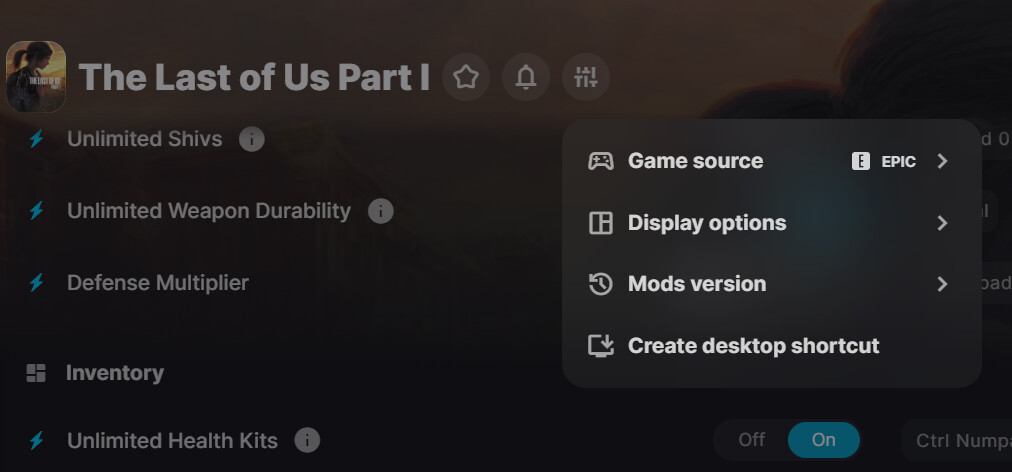
Gotcha! Try to verify integrity files on epic games. Open the Epic Games Launcher >Find the game in your Epic Games Library >Click the three dots on the right side of the game line>Select Manage>Click the Verify button>Wait for validation to complete. It may take a while to verify all your files. Then force quit/close the WeMod App then re-launch the apps.
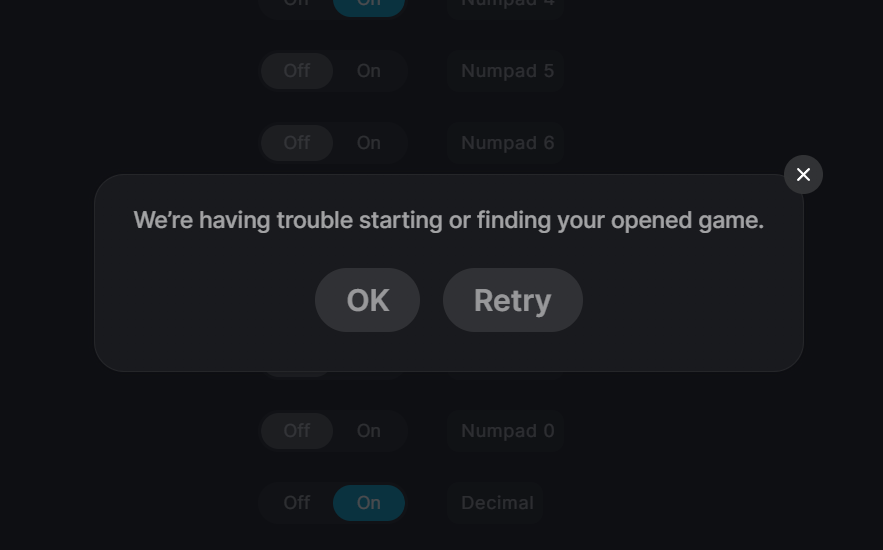
Can you manually add it by following these instructions:
Click Add game.
Click Add game manually.
Select the correct platform where you purchased your game, then drag and drop the game’s executable (exe) onto the given location or click Add game exe and select it from the finder window.
For example:
C:\Program Files\Epic Games\[Game Name]
i tried it couple of times but still the same 