I’m having a huge issue like everyone else
Hey! Thanks for your work!
I can´t start via the custom launcher:
“__std_terminate” not found in \WINDOWS\system32\dbghelp.dll , gdi32full.dll and combase.dll
+
“__uncaught_exceptions” not found in \WINDOWS\system32\msvp_win.dll
I have no idea what this means or how to fix it
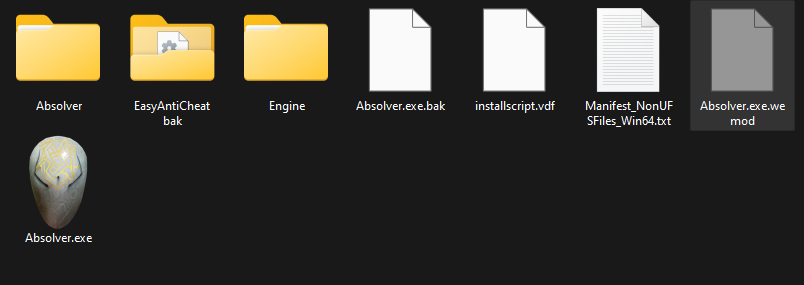
its easy fix, uninstall and make SURE to delete the leftover files after uninstall, the steam uninstall does not get rid of all files, solution is to delete the Absolver directory and do a fresh install, this will fix the dll problems and follow the steps to rename absolver.exe and the anticheat directory.
the verify integrity will not work as it doesnt fix whatever is causing the dll problem, but having fresh files work.
p/s: always use wemod to startup absolver, if u try to bypass wemod i think somehow some files gets update causing this problem, if u need to play online just rename the file and directory.
i know no one plays this game anymore but could you update it with some way to edit currency and skill learning thx
2 Likes
Outstanding trainer! Would love to see some form of enhanced loot drop or other currency mod.
when i look at my files it only says absolver not absolver exe. am i doing something wrong?
This game really needs a cheat to unlock all moves, or at least to speed up the exp gained when unlocking individual moves.
1 Like
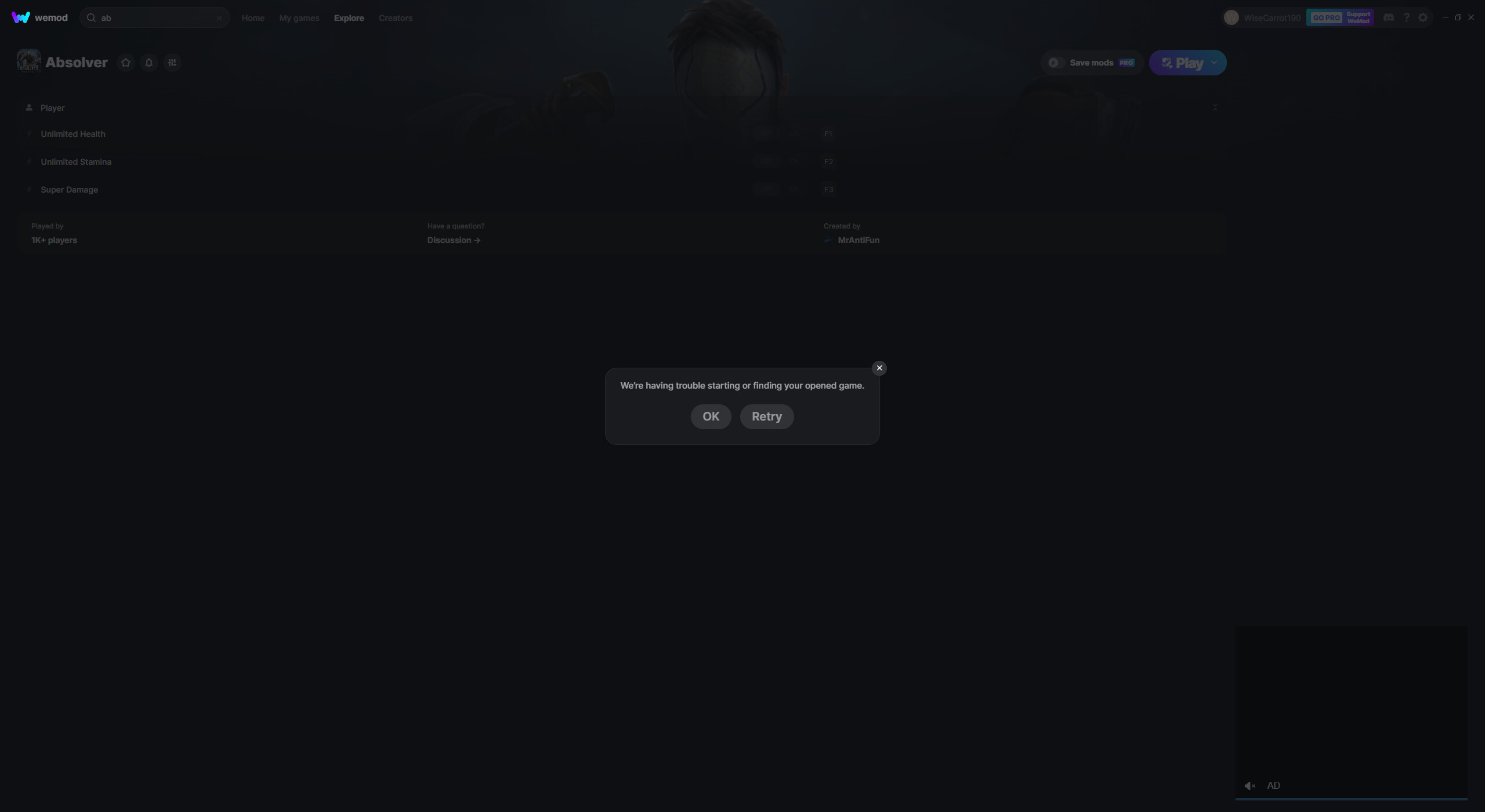
Update when? Cheats don’t launch
Wont launch, needs an update.
Edit: all it does is add a file called Absolver.exe.wemod to the folder lol
1 Like
It wont launch, the trainer needs to be updated.
Hey there, I assume you purchased your game on Steam. You can try manually linking the game’s exe. Follow the steps here to link your game. Why can't WeMod find my installed game?
pls… update this mood with this game
Hi! Are you having issues with the trainer? Can you tell us more about the problem?
1 Like
When I choose “Play” throws me “These Mods May Not Work with Your Game Version etc”
Have you tried activating any mods after that message?
1 Like
Where did you buy the game from? Can you verify the game files on Steam? Once verified, launch the game from Stream. Load your save and wait until you can move in the game. Switch to WeMod app and click Play. Try to activate any of the mods.
now it says “this mod were made for the 64-bit. version. You are running 32-bit.”
The trainer for the game needs to be updated. When I boot up the game, it says that I am running the 32-bit version of the game instead of the 64-bit, when this is not true, not letting me play with the mods. I am running the game on steam, yet am unable to mod. Please fix this error.
1 Like