The Anno 117: Pax Romana cheats have been updated!
Changes:
- Bug fixes and game compatibility improvements
The Anno 117: Pax Romana cheats have been updated!
Changes:
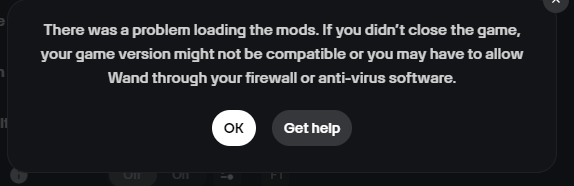
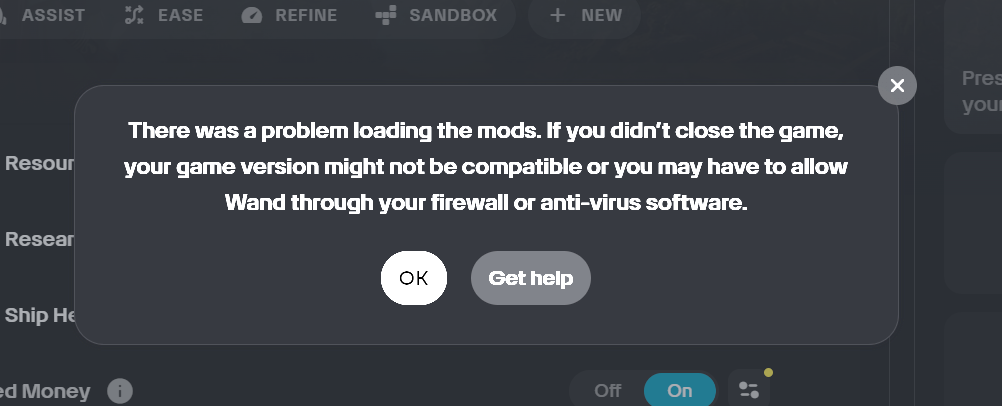
This last update doesnt work with my save file  . I get this error and instead of loading an internet page pops up to here. Previous mod versions also dont work. Any wisdom here to let me keep cheating on my saved game please?
Bei mir das gleiche Probleme
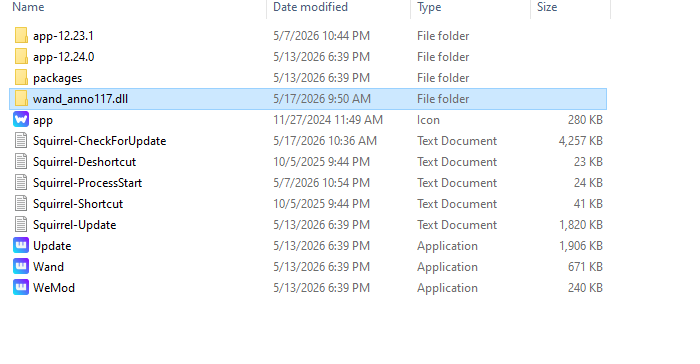
You need to place the bypass dll into the c:/wand folder. Create the folder if it doesn’t exist. The wand_anno117.dll is in the first post of this topic. Place it in the wand folder off the root of c drive.
I had this same issue initially, but by creating a new folder directly to drive C: (not to the Wand/WeMod folder) I no longer received this error. However, the none of the mods seem to work anymore.. The trainer runs, but none of the cheats have any effect.
i guess i cant find the correct folder in the c file. are we going into program files or program files (x86). I cant find it using the search bar either ><
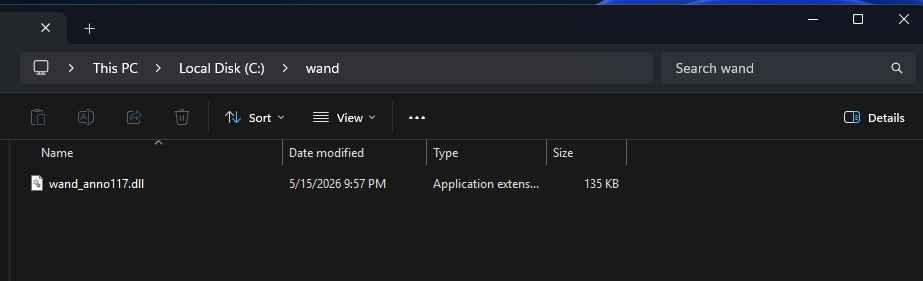
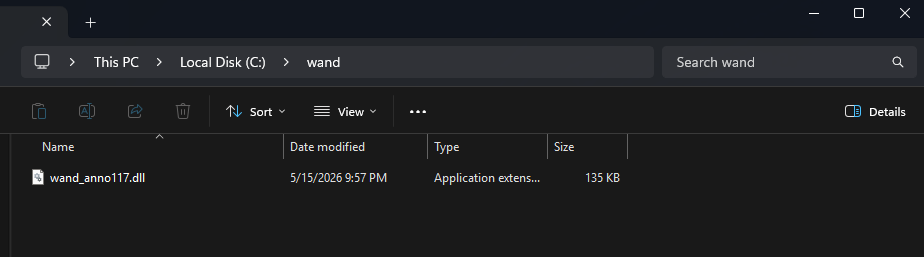
It should look like this when you are finished copying the bypass dll.
You need to create the folder off the ROOT of the C drive. You WILL NEED TO CREATE THIS FOLDER.
To make mods work, you need to refresh the resources with F11 and the other Refresh options also (Ctrl-F11 and Shift-F11).
Also, check your Antivirus if things don’t work. The new design is using named pipes to communicate between the bypass and the Wand trainer, so if your Antivirus is blocking named pipes, you need to allow it.
Thank you for this! Super helpful it all works now!
Good evening, I followed your instructions regarding creating the folder at the root of my C drive to get the cheats working. WeMod launches fine, but the cheats still don’t work.
Did you follow the instructions to refresh resources or check if your Antivirus is blocking named pipes?
It is working for me and internal testers at Wand and also some others who have posted things work for them.
If something is blocking the wand_anno117.dll from communicating with the trainer, then things won’t work. What is your setup? Windows 11?
Hi, I’m also encountering the same problem. I already created the “wand” folder on C:, uninstalled and reinstalled Wand multiple times, deleted all Wand folders from AppData, restarted my PC, and reinstalled everything from scratch. I also installed the trainer from the very first post and followed all setup instructions carefully.
I already turned off Windows Defender, disabled Tamper Protection, added exclusions for the Wand folder, and I don’t use any antivirus software at all. I also allowed Wand through Windows Firewall. The game is fully loaded into a save before I press Play on Wand.
However, I still get the “There was a problem loading the mods” error every time. The biggest issue is that the “wand_anno117.dll” never appears inside the C:\wand folder, even after reinstalling and downloading the trainer multiple times. The installer completes successfully, but no DLL file is ever generated or downloaded. It’s really frustrating.
You manually download the bypass dll and manually put it in the folder. Its not automatic.l
The download link seems to be broken; it downloads a setup (.exe) file, not a dll.
Actually, because it didn’t appear as instructed here, I tried several times. When I finished downloading it from “here,” it appeared in my Downloads folder as a setup.exe file, not a DLL file. When I double-clicked it, it installed from 0–100% and automatically opened the WAND app.
That’s why I can’t find the DLL file or relocate it to C:\wand.
It downloads a setup (.exe) file, not a
DLL.
I also searched in C:\Users\MyLaptopName\AppData\WAND, but the DLL file is nowhere to be found.
See im not crazy. There is no download. the link in notes just gives me a redirect to this page.
This post contains the Bypass DLL that this trainer needs to function.
You will need to create a folder called “wand” off the ROOT of your C drive and place the DLL you download from here in that folder. If this is done correctly, the trainer should load instead of taking you to this post when you try to start the trainer.
Here is what your folder should look like after you copied it:
Here is the file:
Bypass DLL:
wand_anno117.dll (134.5 KB)
Hi @ZoukyRasta, I was just curious how the new version of the mod is working for you? I am hoping this clears everything up, but I haven’t heard from you regarding it. Just thought I would ask.
Made the C:\Wand folder, copied the DLL into it.
The max money/ infinite money is just not working.
What type of game are you playing? Endless or Campaign?