my version of game is Azure(1.4.4)
That’s an older game version, so you will need to try out an older trainer version. You can select previous trainer versions by selecting the History tab on the trainer.
But I am using WeMod, I do not use Trainer. I cannot find trainer for this version
I was trying this trainer Crusader.Kings.III.v1.0-v1.5.0.Plus.16.Trainer-FLiNG, but it was not working
1 Like
Our Crusader Kings trainer was made by MrAntiFun.
You can look at different trainer version by selecting the History tab underneath the Play button.
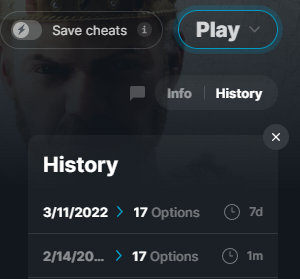
still doesnt work. I clicked on the 19.3.2021 and the cheats do not work
Is this for a cracked game then? Since I’m just wondering why you’re on an older version of the game.
I sorted it out, finally
Would be nice to have option to set selected character’s age
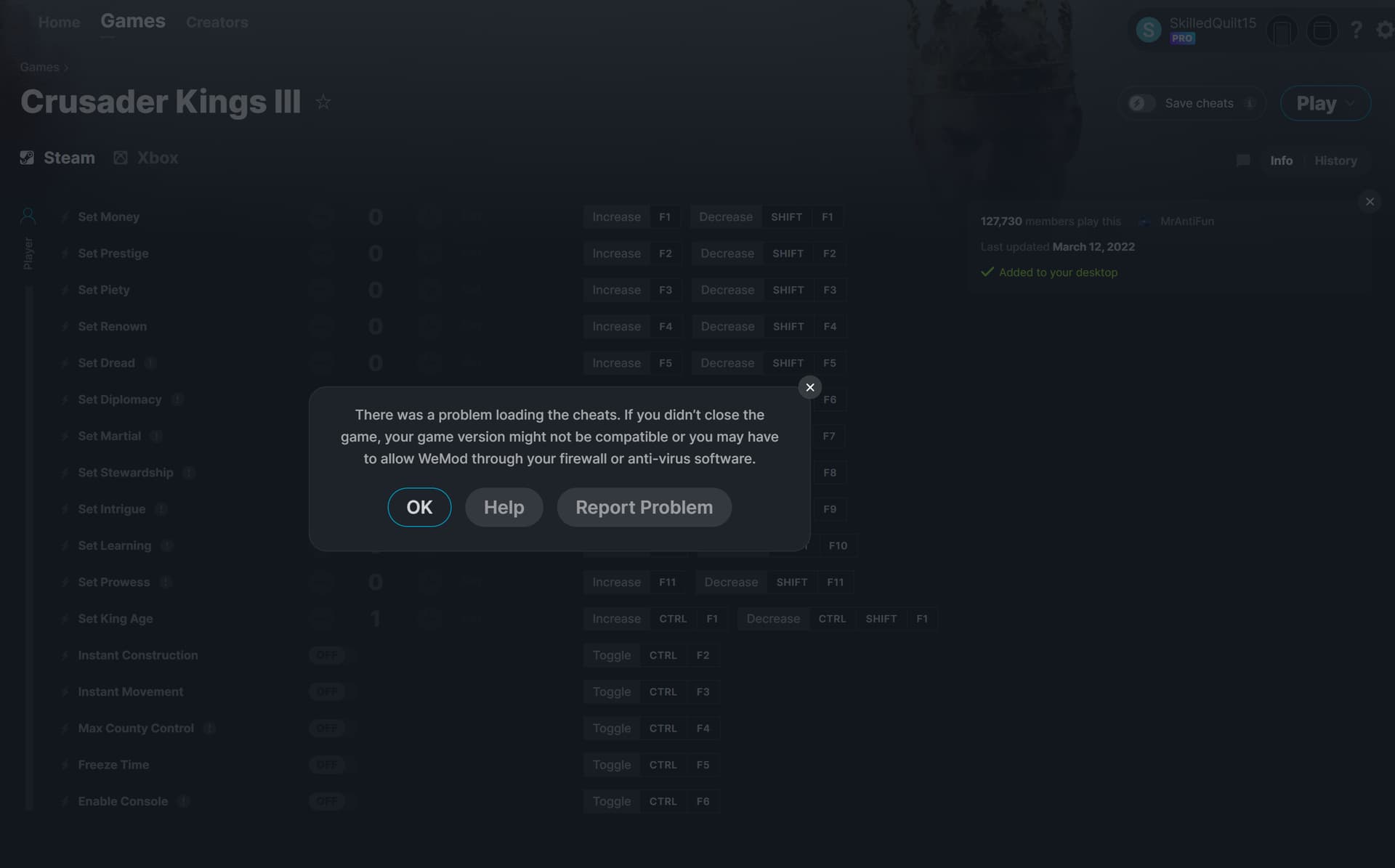
I wanted to play CK3 again after a month hiatus. I started the game as always, alt-tabbed to the WeMod app and clicked the play button. The following error came up:
There was a problem loading the cheats. If you didn’t close the game, your game version might not be compatible or you may have to allow WeMod through your firewall or Anti-Virus software. OK / Help / Report Problem
I first checked the gameversion, but it’s up to date with the latest steam patch, and I know I’ve used wemod on this patch before.
Second I checked my Anti-virus (even though I’ve used that one for years without issue) but turning it off did not solve the problem.
Last I did a full clean install of both CK3 (no mods) and wemod, but the issue remains.
Not sure what else to do.
2 Likes
I am also getting an error while trying to load the trainer
2 Likes
I’d also like to note that the trainer has not been working, getting the same error as SkilledQuilt15 since about March 21st
2 Likes
Same problem here, please update trainer
1 Like
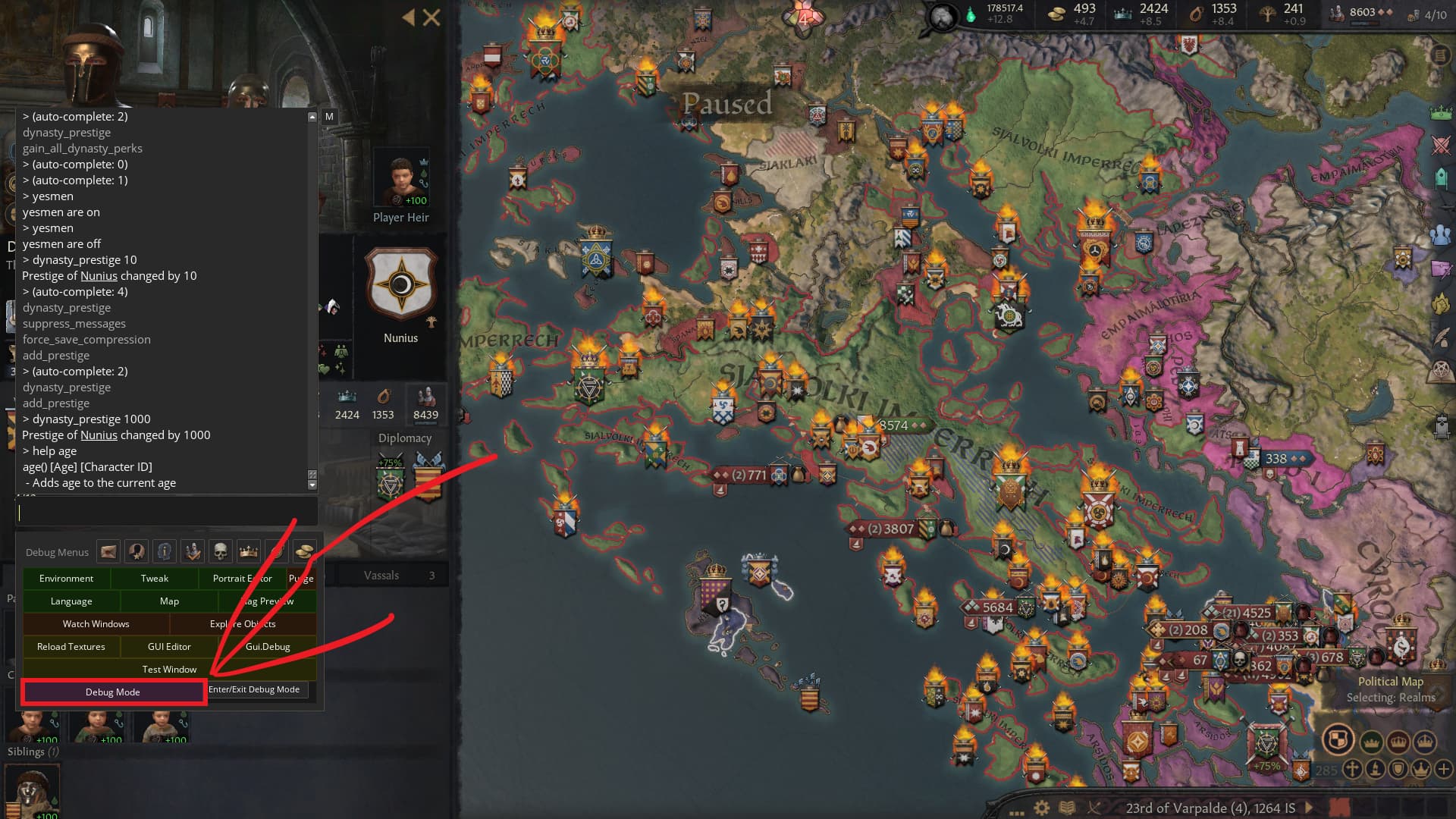
The game trainer works for me fine… I don’t know what you guys are seeing… But Anyway, just wanted to leave a comment here, because i just found a command i don’t think is known by many people in the Debug Console, so, you can actually add Renown to your Dynasty Via a Console Command, and it raises the Level of Splendor, i just found this.
The Console Command is: Dynasty_Prestige.
Please and thank you for reading and i hope you have a good day and night!
Use the Debug Console, you can Turn it on through here via the Bottom option in the Trainer = Enable Console.
Then you click this button, you can hover over a character and see their ID, like in the screenshot, and then you type “age #(Age Number) (Character ID)” Without Quotes and filling in the Example parts like in the screenshot, and that will Change Said Character’s age up or down by the way you entered the command example “-3” or “3.” I hope this helps you, Please and thank you for reading and have a good day and night!


I keep getting a virus warning from this trainer as soon as I try to launch the game through the wemod client.
The trainer needs an update. Can’t see any option to boost it in the program though
Construction works…
yes and dynasty prestige but nothing else