Did you purchase your game from steam?
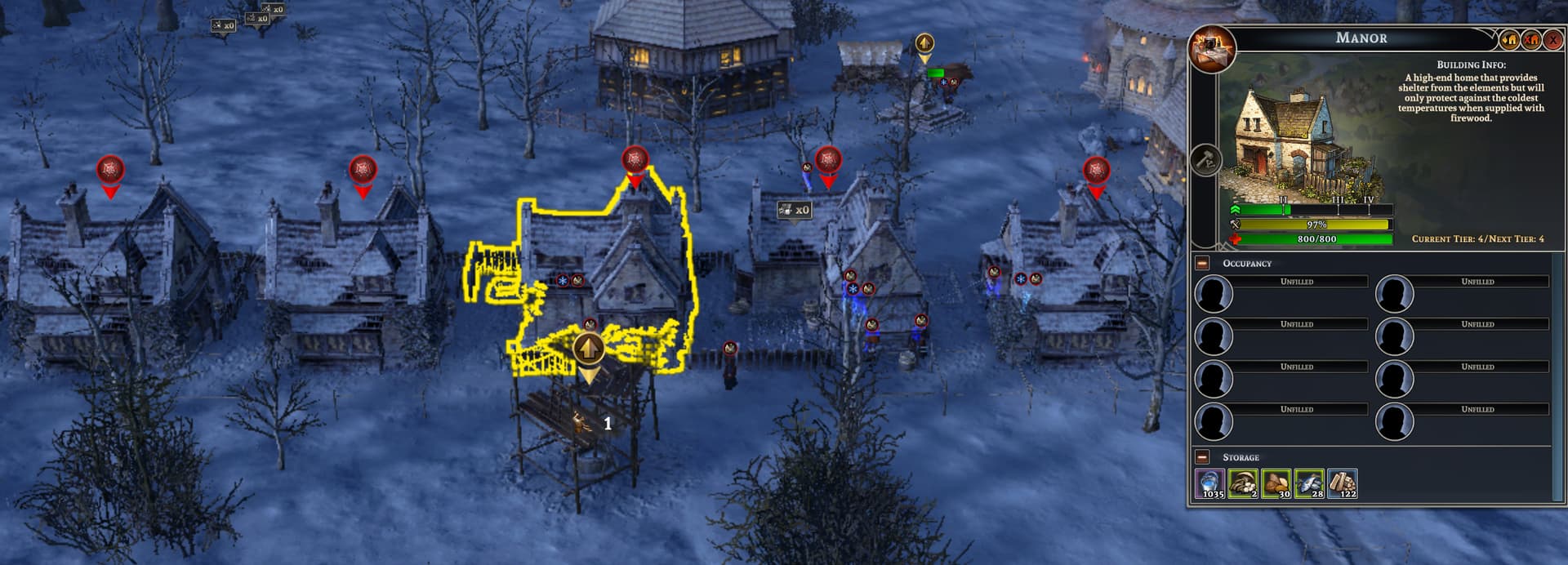
Yes. Before the update the unlimited villager and building health buttons wouldnt stay activated but the other cheats worked. With this latest update, none of the cheats seem to be working except like the resource quantity and villager speed
Hey there, if you haven’t already, try to start the game on Steam first. When you are able to move in the game, switch to WeMod and press Play. If still persist, Verify Integrity of Game Files on steam then get the most recent version of the trainer by clicking the DOWNLOAD TRAINER button at the top of this forum discussion. See if there have been any changes.
Thank you for the tip I will try that!
I launch the modifier and it tells me that it is not compatible with the game version, can you solve the problem for me? I’ve also verified Steam’s game integrity
1 Like
The trainer has recently been updated. To ensure you’re using the latest version, simply click on the History tab and select the most recent update of the trainer.
When you say you can “move in the game” do you mean the menu screen or that a village loaded?
I tried launching the mod when an existing village loaded and none of the cheats worked.
I reinstalled the mod from the link above and revalidated the files in steam.
I also get the mod not compatible error and I have latest version from steam.
Can you send us a screenshot of the error message? The trainer has recently been updated. Please check the History tab and select the most recent update of the trainer.
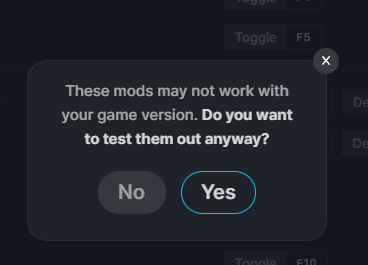
History says 5/1/24 as the last entry.
Try to click YES as the latest version of trainer may not be synced in yet to the game on your PC then check if issue persists.
I did and then play changes to loading mods… and the loaded.
Can you clarify what you meant by move in the game to my post yesterday?
also can you confirm the cheats will work on an existing village and not only a new one
You should click PLAY on WeMod App once you can roam around in the game or you can move freely in the game. Can you try to press PLAY when you are already in the village? Or press YES on the alert message once you have loaded into the village. The “loading mods” should changed to Playing. It depends in the recent update, but should work for both.
Its not. I’ve done what you suggested and I’m not getting instant build, zero cost, unlimited building or villager health. I dont know what to tell you. 0 cost and instant build worked BEFORE this upgrade. Before the upgrade unlimited villager health and unlimited building health immediately disabled themselves when enabled and now that is no longer the case.
Short of uninstalling Final Frontier and Wemod, I’m running the current version of both
Got it. We should try to reinstall both WeMod App and the game on steam. Please save your load game before reinstall.
Alright I’ll uninstall both and try again. Standby
Text
so unless there is a magic combo of settings that can be activated (but turning everything on at once the villagers just stand there)… i turned off unlimited villager health, super combat, max diet and stop losing warming and they started to build but instant building isnt working.
I need to play more but its not working as I would expect even with a clean install.
I’ll provide more detail as i have time this weekend
one of the cheats is making the villagers abandon their houses.
After reinstalling both WeMod app and the game, Have you tried launching the game again first and waiting until you can move freely within the game world, and then opening the mods by clicking PLAY?
I’m hitting reply maxes cause Im new.
Yes, following the same guidance as before. some of the cheats seems to be working (0 cost build only requires workers) but not instant build. desirability is up in my houses area yet ppl abandoned every one. Then my people die without shelter… and now i get a housing shortage error… even with the unlimited building health on . They refused to go in the houses.