For those that don’t know, I have just purchased my first Capture Card and tried it out yesterday and the picture was clear, sharp, and crisp audio. But there was one issue, it was very poor quality of brightness. The image below will give you an idea of how dark it was…
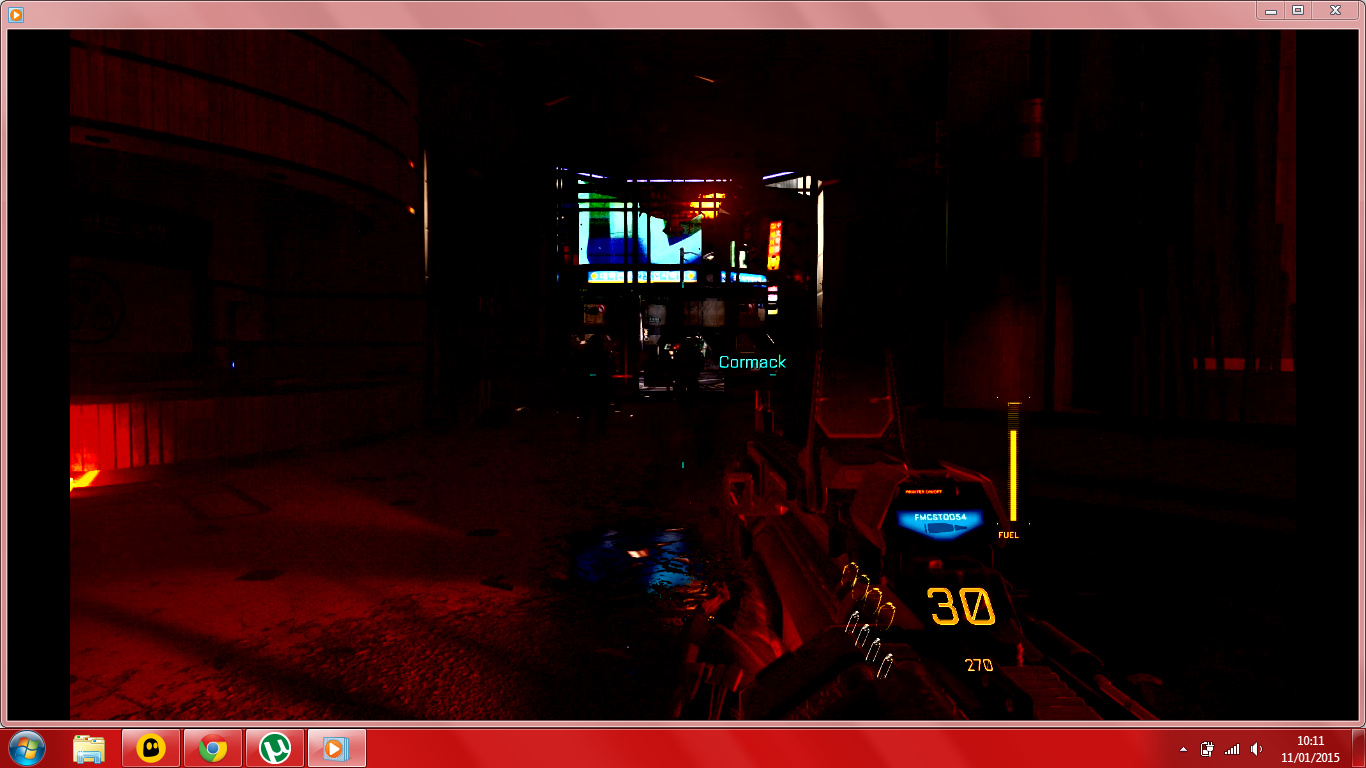
I was recording directly from the device itself as it is designed to be used with or without capture software via HDMI input/output. And before anyone inserts a ‘wise-crack’ below by saying “adjust your brightness”, I don’t think it’s that simple because I’m not sure if the device captures EXACTLY whats on screen (meaning it wouldn’t be that dark in the first place because my brightness is not that low) or if it records in a set standard display (meaning it captures video and audio but has automated quality setting in “PC-Free mode”, which could also mean it can’t adjusted).
Things I have not tried yet;- Editing the footage through software (Sony Vegas etc.), recording through software on the PC (Hauppauge’s own capture software used for streaming etc.) but I don’t think this will help because I only have control over settings such as audio levels and resolutions.
Your thoughts?
EDIT: Ok, status update… Since creating this thread, I have updated the device to ensure it was running on the latest firmware. This appears to have solved the problem and not surprising because the last firmware update it had was in February 2014!!! I have done another test recording and this time the footage was much better and more clear.