The first tutorial of this kind I have ever seen on the net. I know many know how to do this, but the overwhelming majority of people do not.
Lets Get This Party Started!!
What you need:
Visual Studio + SDK installed
The Code (Look below)
The Font - Download Link
Video:
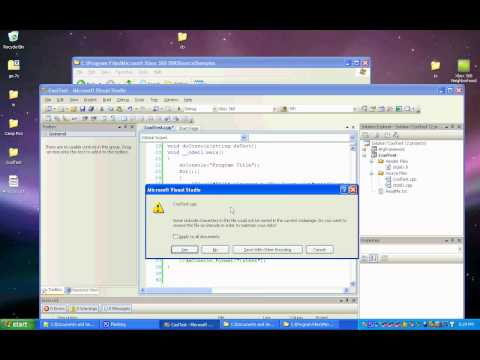
Music Up!
Code:
/*
Template By Carter
█████                             ██████
█     █   ██   █████  █████ ██████ █     █
█        █  █  █    █   █   █      █     █
█       █    █ █    █   █   █████  ██████
█       ██████ █████    █   █      █   █
█     █ █    █ █   █    █   █      █    █
█████  █    █ █    █   █   ██████ █     █
*/
#include "stdafx.h"
#include "AtgInput.h"
#include "AtgConsole.h"
#include <string>
ATG::Console daConsole;
using namespace std;
void doConsole(string daText);
void __cdecl main()
{
doConsole("Program Title");
for(;;)
{
  ATG::GAMEPAD* pGamepad = ATG::Input::GetMergedInput();//Get the Inputs ATM
        if( pGamepad->wPressedButtons & XINPUT_GAMEPAD_A )//If buttons are pressed and the button pressed is the a button
        {
   daConsole.Format("
A Button Pressed!");
        }
}
}
void doConsole(string daText)
{
daConsole.Create( "game:\\Media\\Fonts\\Arial_16.xpr",  D3DCOLOR_XRGB(0, 0, 0),  D3DCOLOR_XRGB(0,200,0) );//First D3D is the Background and the second is the text color
daConsole.Format((" - "+daText+" - ").c_str());//The format function adds text to the console
//daConsole.Format("
test");
}
Application Resulting from this:

After pressing the A button a few times:


