This is a great tut !
Nice job
This is a great tut !
Nice job
Worked great for me, thanks!
how do you scale your images? (yes im serious) what program lol
I used PhotoShop CS5.
CRT+T
Hold Shift + Resize.
I havn’t got a clue what program Rhyme used. 
if this mods your gamerpic in a way microsoft dont like atuo ban for life check xbox.com they on a ban macsicer they will ban u 4 life 4 changeing your guy hair colour to green or red etc is it really worth having a life time.the answer is NO
That grammar.
is that all u can quote u *** go suck a **** that might keep u quite
Great TUT, thanks for the info, it will help alot of people out 
This is a “Modding” website, we wouldn’t be here if we didn’t know the risk of bans.
So yes, you could get banned, but It wont stop us.
Thanks for your concern.
Kthxbai.
Thanks alot man… im going to fsu!!
GIMP. When I resize in photoshop it doesn’t work for me, dunno.
This is gamerpic, not avatar. Sides you’d be able to hold your camera up to a computer screen anyway, you’re just getting a bit better quality.
This STILL WORKS on the new dash! 
Great tut Rhyme…always wondered if there was a way to do this.
And for everyone else…a good resizing program that is free to use is IcoFX. It’s a .ico program creator I know but it can resize .png and export them as a .png.
i can’t get it to work 
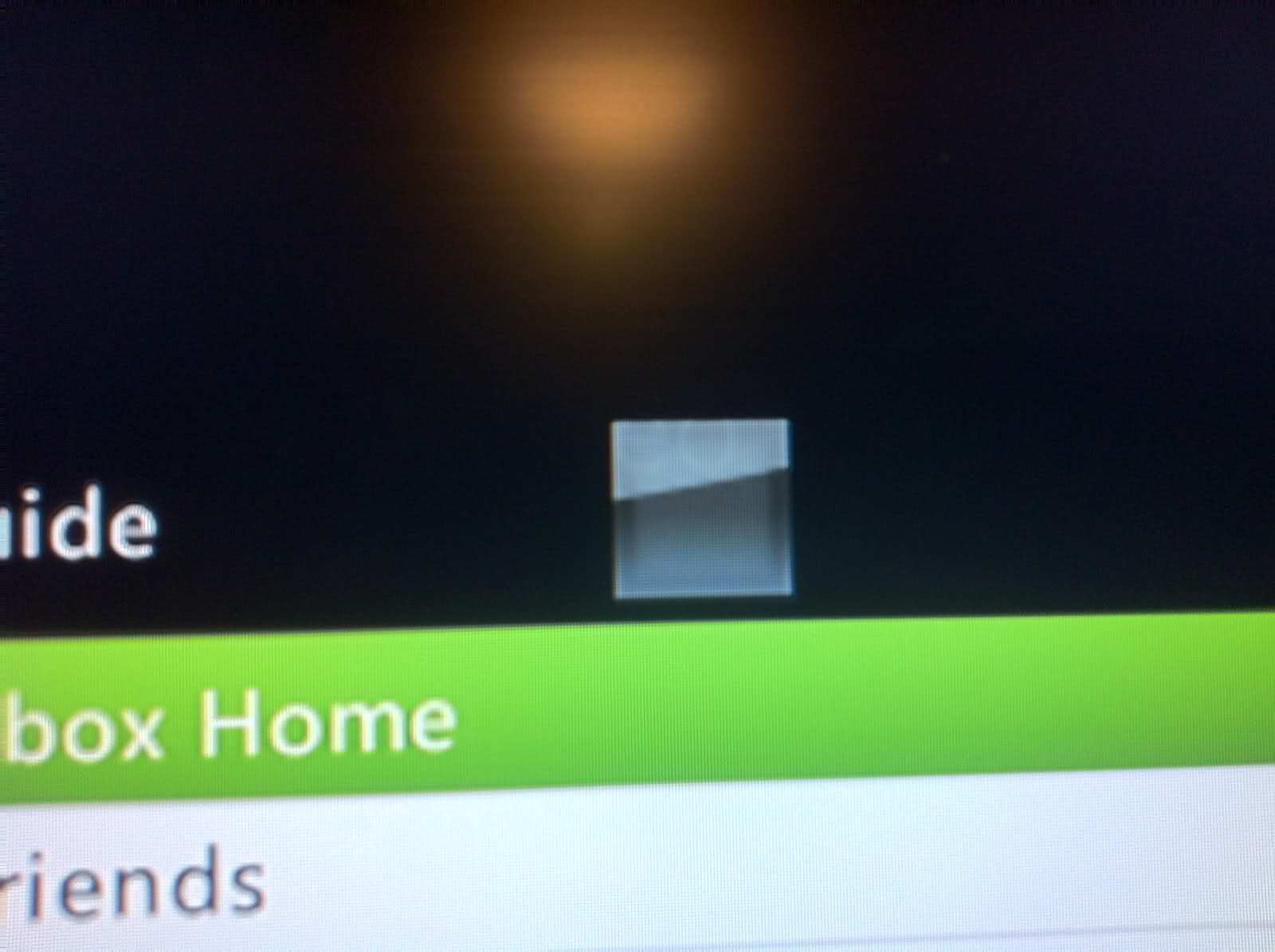
My gamerpic always shows up as a transparent square. Above the guide. But when I click on my profile it shows up my custom one.
Did you have a personal picture before you did the glitch? That’s important, and I forgot to mention it in the tut and video.
Yes I did… I made sure I did. Here’s what it looks like after I re-select the pic and sign out and sign back in.
This is ONLY above the guide. When I click on my actual profile myself the custom pic shows up…
i have a vision cam but i cant remember where exactly ive put it i might make a second account and try to see the limits for the gamerpictures
Dosen’t work anymore guys. Must have been patched 
Did you try re-recovering?
Trying it now. Thanks.
Yeah it still didn’t work. Patched guys.