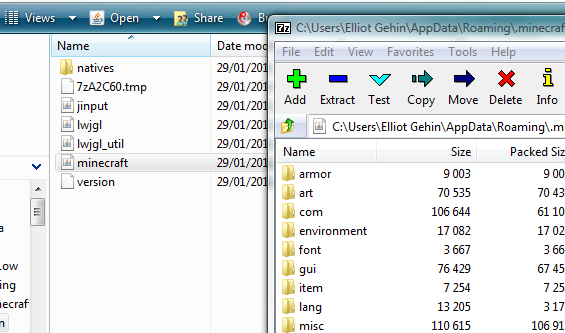
Then go to “C:\Users[Your username]\AppData\Roaming.minecraft\bin”
Open minecraft.jar with 7zip
Delete the “META-INF” folder inside of minecraft.jar
Extract the files from the mod pack you downloaded earlier, move all the contents in the classes folder and put them in minecraft.jar
Now go to “C:\Users[USERNAMEHERE]\AppData\Roaming.minecraft” and create a new folder called “mods” then make a folder inside of mods names “zombe”
Then drag all the files inside the folder “config” folder into the “zombe” folder.
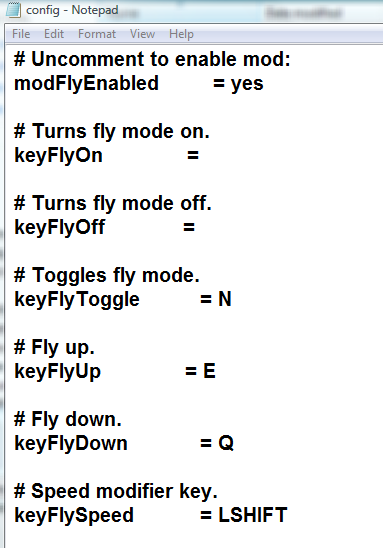
I’ve activated fly mode for you, but if you want to edit the controls open the config file, I edited it so fly mode will toggle when N is pressed, Q and E to move up and down.



 Depends on who owns the server.

