English patch is broken!
You can still follow this tutorial to get Warface. Here are images to help you out with the important stuff: http://vk.com/album107283912_161822009
I’m making this tutorial for the people that want to play Warface. If you do not know what Warface is check it out here WARFACE - Crytek’s AAA4Free social FPS SERVICE
Currently it isn’t available in Western Country’s. Only in Russia, China, Korea.
In this tutorial we will be using the Russian version Because that will be the easiest.
I hope you enjoy this tutorial.
- Navigate to Warface |
Translate it to english if you like. - Click on this button

A new page will load. - Now click on this button.
It will download a file named “WarfaceLoader.exe”
Run it once downloaded. - If you have done it correctly you will get thise window
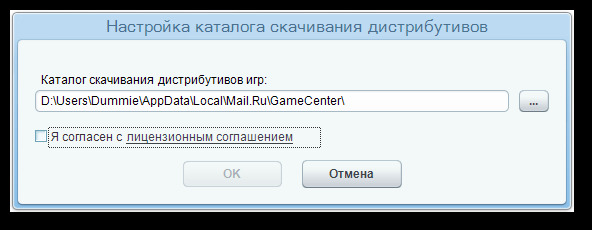
Check the checkbox. And press “OK”
Make sure you allow it in Windows Firewall. - If done correctly you will get this window
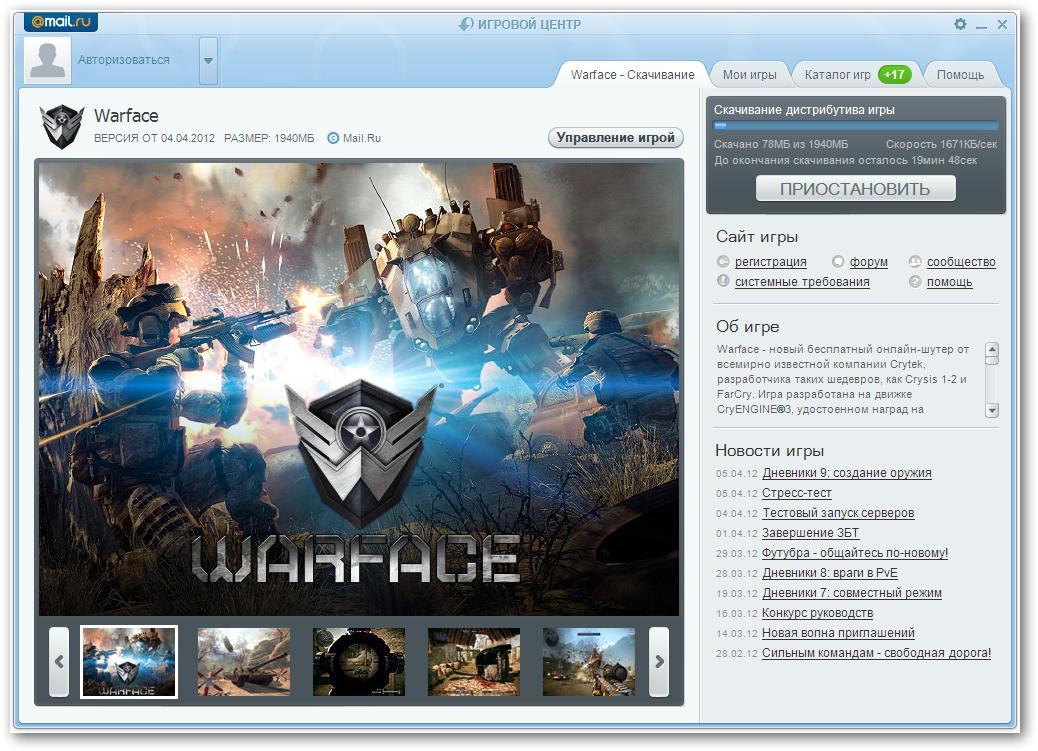
It started downloading automaticly. It might take a while to download.
Pressing this button
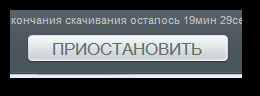
Will cancel the progress, So don’t press it
- Once downloaded a green button will appear, press it.

- A Dialog will appear, Press OK.
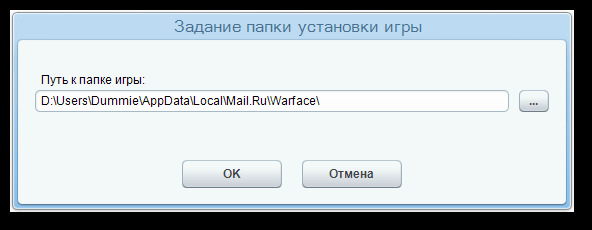
It will now install some updates or something like that. - If it is done downloading another green button will appear, also press it.
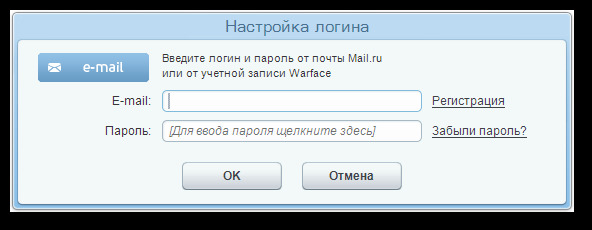
This dialog will pop up. Press the link behind the textbox from E-Mail.
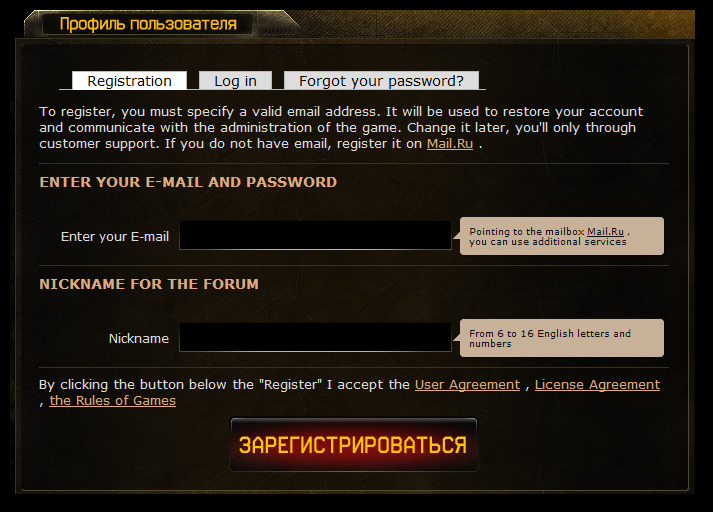
- A Website will load (translate to english to make it understandable).
Enter your normal email address and a Nickname.
After that press the red button at the bottom.
- Go Back the Launcher and enter the credentials.
Accept the Windows Firewall stuff. - Once the game is launched you will be asked to create a profile. Since you cannot use normal letters from
the alphabet you need to create a name with only numbers (or you have a russian keyboard somewhere). - Start playing the game before it gets released in Europe/America

English Patch(Broken)
- Download this file: Mediafire - Warface English Pak
Password: XboxMB - Open it up in WinRAR there will be 2 files
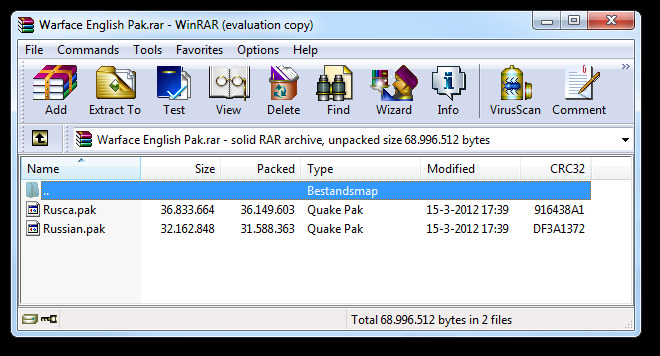
- Now go to your AppData. You can go there by typing “%appdata%” in run or the searchbox on Windows 7
Go down 1 Directory. So you will be in “AppData” and not “AppData\Roaming”
Then navigate like this: Local > Mail.Ru > Warface > Game > Localized
Note: If you changed the Install location navigate to that. and go into Game > Localized - Extract the 2 Files you downloaded earlier into that folder, overwritting the “Russian.pak” file. (You may create a backup of it if you want.)
- Launch Warface using the Green button in the launcher or by clicking on the shortcut on your desktop.
Help it doesn’t start!
[INDENT]Play the game trough the Game Launcher. But instead of pressing the Green button press the link below the it and login again, it will directly launch the game.[/INDENT]
I hoped you learned something from this tutorial. I put a lot of time in it. 