I found different instructions on how to use the (new?) overlay.
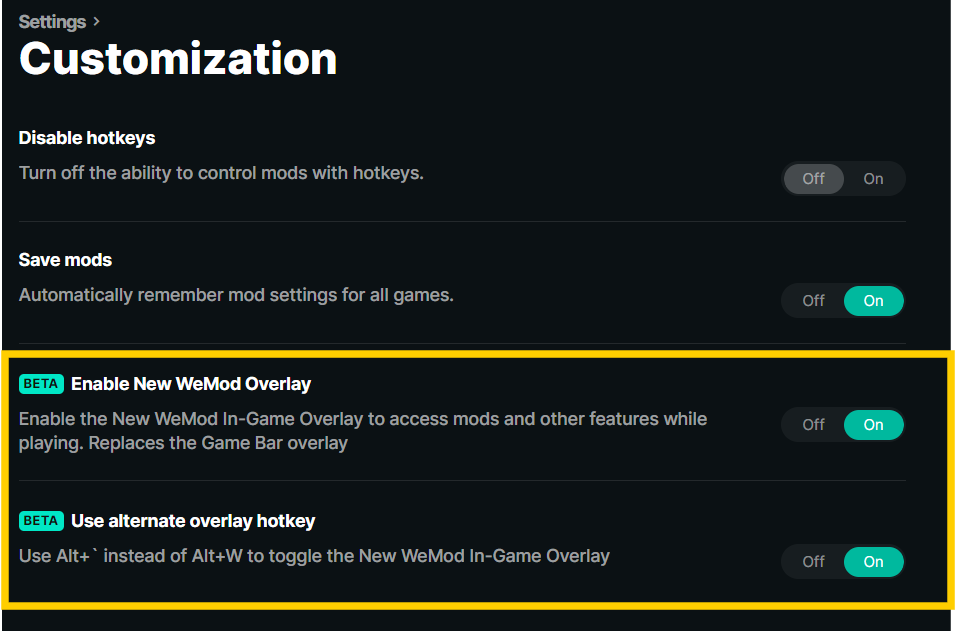
The support articles on this website say Win+G as hotkey and I also read Alt+G (in the wemod pro app itself).
For me Alt+G does nothing.
Could someone please point me to a FAQ / Knowledge Base article or YT video that explains the usage/setup of the overlay for the most recent version of wemod and overlay?
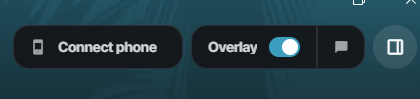
Hello! Regarding the WeMod overlay, its compatibility depends on the trainer you’re using. You can check whether it supports the latest overlay by looking at the top right corner of the trainer for more details. You can click ALT+W
Gotcha. Have you tried launching the game initially and waiting until you can freely navigate within the game world before opening the mods by clicking PLAY on the WeMod app? If that doesn’t work, try launching the game first, and once you are on the main menu, open the mods by clicking PLAY again.
It only works the described way with this game for me, anyway. If I start AC Origins with cheats from within WeMod, the game crashes.
So I press “Play” in WeMod as soon as I am in the session, my last save state is loaded, and my character is controllable. I switch back to Windows and press Play. This works reliably.
Based on this prerequisite, the key shortcut Alt+G does not invoke any kind of reaction, unfortunately.
But it seems as there is no solution. Overlay would be nice to have. Nevertheless, I can live w/o it.