Has anyone been banned from minecraft after using this tool?
Chris said it was cool for the bump!
Has anyone been banned from minecraft after using this tool?
Chris said it was cool for the bump!


Anyone still having trouble with this, just use the tool inside the 360revolution AIO, it actually works
It looks so good,thanks…

I have .net 4 installed, Horizon is installed. I followed the instruction for this program completely, When i go to open my save it says “No file”. I have tried with other saves as well, and my inventory is filled.
For some reason it wont let me start it up…
can anyone get me in a prestige lobby for free i will highly appreciate it if you do. 
you all need to scan for a root package install if you done playing now and change your passwords to the sites your where using and go use the real thing now
Java-Malwalware-Gen [TRJ]
Nice troll
Stay away from inventory editor as well there are to may infected copies floating around as well this is only for the pc version any way and not the xbox
When ever possible, when testing these always use a isolated PC not the one you use for modding or web browsing, thats what I do that way I know what I get and were I got it from.
I enjoy using Horizon they need this tool added to the game modder so I dont have to use this other one for this tool
go to this site get the game moder were some one ripped this tool from and tryied to make it work sign up look under save mods it works I have already addded the missing clay to my map and will add other thing as they come up
This is the only thing I will be using this tool for it is clean
I dont like posting other mod sites this mod tool works for this purpose I have not tested any thing else and dont intend to
360Revolution game modder
You need an account to use this tool I have found no problems as yet I used a trash email account for this purpose just in case
It has an auto rehash and resign make a backup !!!
This is real simple what your carrying it at the top of the list keep two sticks in your inventory and save then copy it to the usb stick, if you do not know how many of the item you can carry then be safe and set it to 16.
use the dropdown provided to change the two sticks to what ever you want save, inject this back to the stick using what ever tool you want.
“> The Acid Test <”
start up minecraft select the memory stick
open your game save if you have done this correct you will see your save there play the game, if you dont then I dont have to say it.
open your inventory and you will see that the two sticks are now the new items you added.
save and exit
delete your cache if your rank and avitar items dont matter and dup the cra@ out of it with another contoller dont download the update before doing this will patch the dup bug again, I am sure I did not have to say that I did just in case though.
thanks heaps mate 
Seen this on YouTube a while back…
-G_T-
-F_O-
If ur gonna start flaming just open up notpad on your computer and start typing because no one is gonna spend there time listening to it. Thanks.
OT: Nice program.
Haha learn the history and people that made this stuff be for you stick up for the wrong people.
Also I do not use notepad to express the truth.
I will say this until you provide proof with the admins about this then im sticking with OP.
I am not taking up for no ones side because then i’ll start being called “Jumping on the bandwagon”… which i hate the bandwagon so i will stay clear from that.
OT: This program helped my brother alot !! He was like WOOOT.
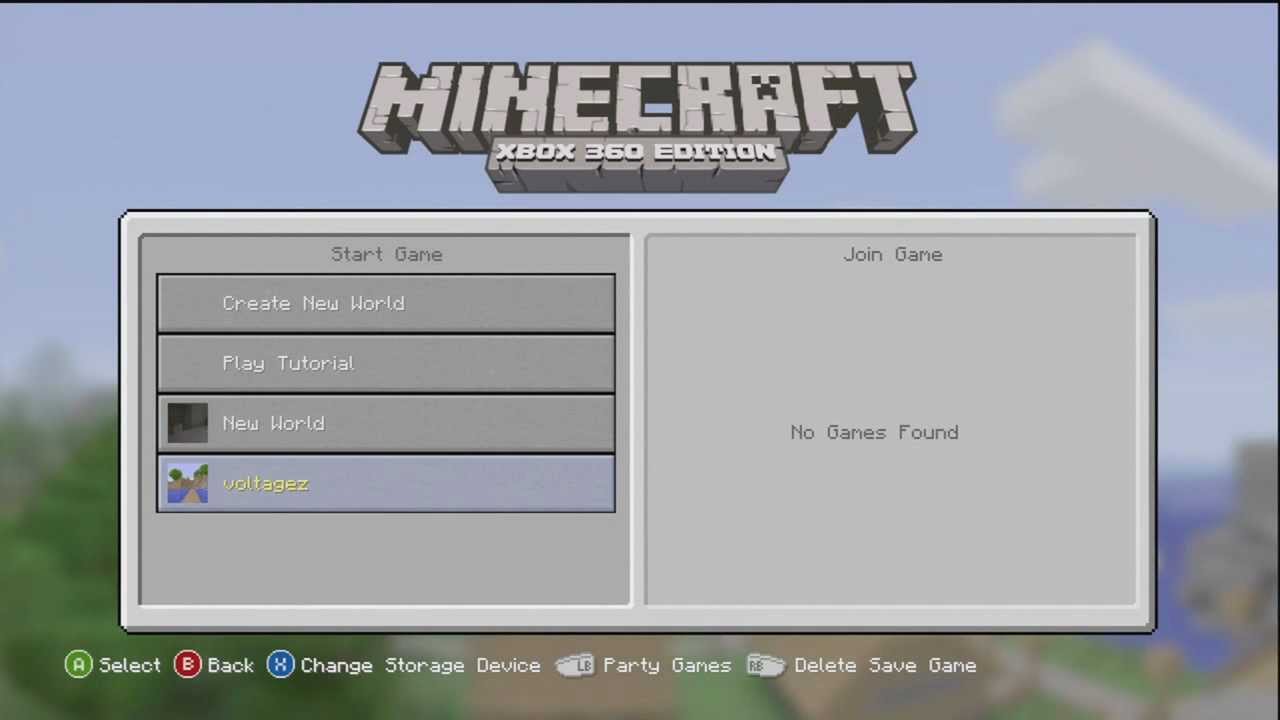
Thank you for legitly explaining your self this time.
It is very helpful for me.


I keep getting this and I have the correct framework.
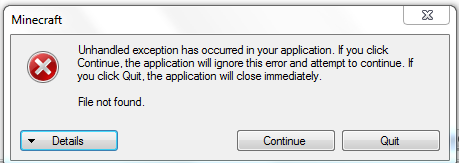
+1 to what Garr said, and then it loads a blank inventory
so HOW do I do this?
when I put my save on my usb, then extract it, it comes out as a .dat file and it will not read it in the editor.
is there some secret way I cannot find online on how to extract them properly using horizon or any other voodoo? (this Fcack xbox browser just keeps throwing me errors when I try to choose my device)
flatgrass map now.


