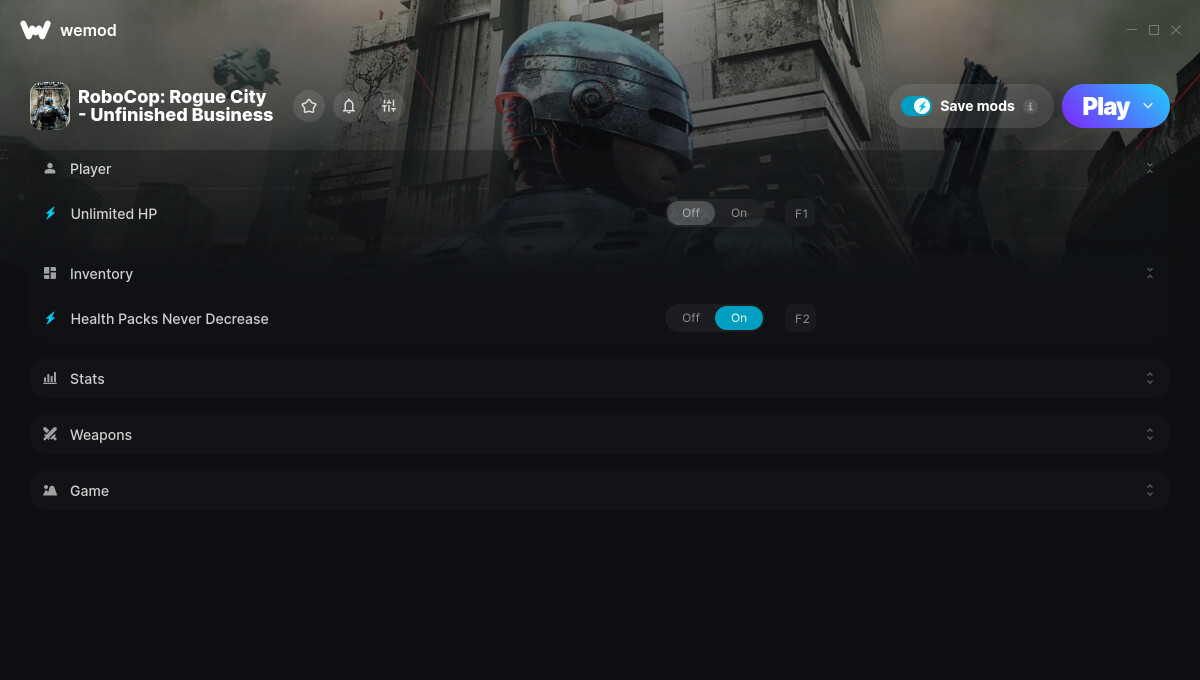
1. Unlimited HP
2. Health Packs Never Decrease
3. Unlimited Skill Points
4. Multiply EXP Gain
5. No Reload
6. Game Speed
Screenshot:
Supported Game Versions:
We strive to keep our trainers up to date with the latest game versions. WeMod automatically detects which version you have installed and activates the mods accordingly. So there’s no need to worry about which version of the game you have!
Updates and Changes:
07/19/2025 Started development
07/20/2025 Released trainer with 6 cheats
08/01/2025 Bug fixes and game compatibility improvements
Instead of unlimited skill points, could we get a modify skill points instead? I have a glaring number of skill points I can’t use on the side of the HUD because I maxed everything out.
Relax. It has not even been a full day since you posted, ColonelRVH most likely has a life outside of WeMod and has yet to check back in since the last time he was on.
Don’t know if this is a game bug or due to the mod - but it is preventing me form equipping a second weapon. Now even if I don’t use the mod I cannot equip a second weapon.
Yes. Something similar is going on for me. Once I turned on the no reload, even after trying to pick up a second weapon, it won’t work right. I’ve turned off wemod, and it is still happening now. May have to start a new game file lol. O’ the joys of messing with a games programming.
It should work if you have wemod run the game from the binary exe. However, there is a weird bug or something that seems to be happening with the no reload mod. I’d suggest not using that because it seems to be permamnent after it occurs.
How about we give the guy a break for one, secondly the game is already being updated by Teyon, so give it at least a another few days anyway. Everyone relax, life does not revolve around gaming.
Some of us Appreciate ya ColonelRVH
No worries at all! Since the game was just added 8 days ago, you’re already using the latest version of the trainer available. Have you tried launching the game initially and waiting until you can freely navigate within the game world before opening the mods by clicking PLAY on the WeMod app? If that doesn’t work, try launching the game first, and once you are on the main menu, open the mods by clicking PLAY again.