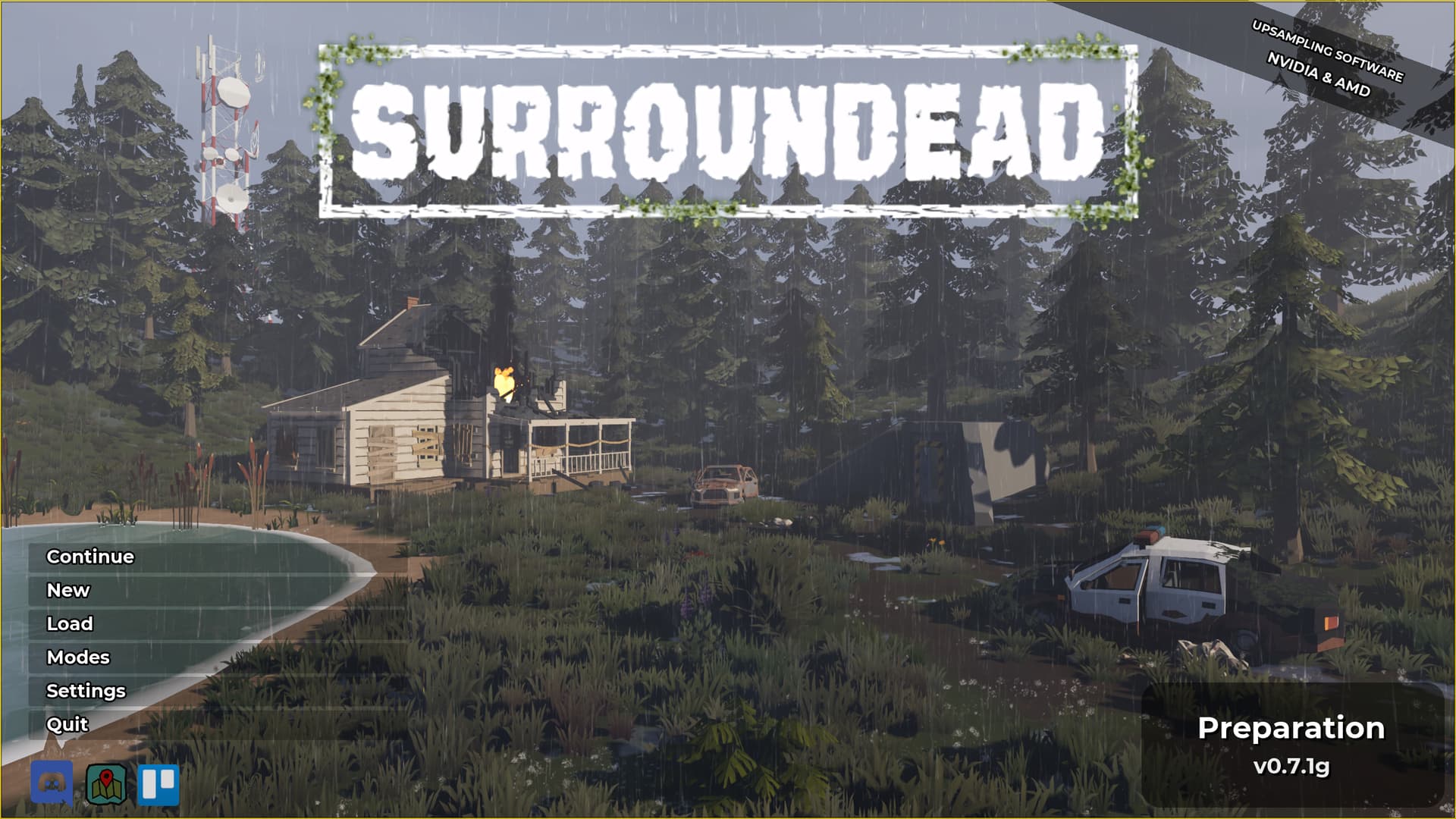
Does anyone find that, when playing a game with the WeMod Overlay, there is a yellow border present? If yes, does there exist a way to disable it?
(it barely shows in the image, but it is there, and more prevalant in-game)
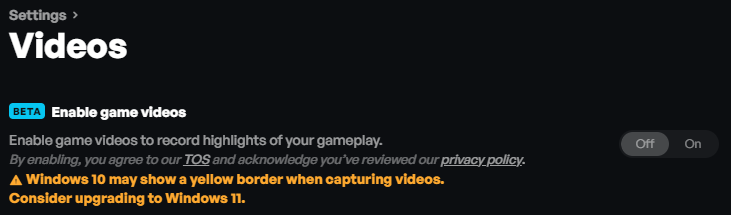
I had that problem..(OK I found the problem I shut off the Video option and the yellow borderlines in games stopped.) worked but im losing my mind as i forgot exactly what i did lol forgot where that video option is ..but that fixed the problem..something new that had been installed in update i guess
1 Like
Hey @cutgrey The yellow border you’re seeing comes from a WeMod feature called enable game videos, which automatically captures short clips of your gameplay.
If you’d prefer to turn it off, go to Settings > Videos in the WeMod app and toggle off Enable game videos. Once disabled, the border will no longer appear.
Hi @Daenyuil You type a bit faster then me! 
3 Likes
but you knew how to do what id did..and forgot LMAO ty
Great to hear! I’ll go ahead and close your ticket now, Happy gaming!