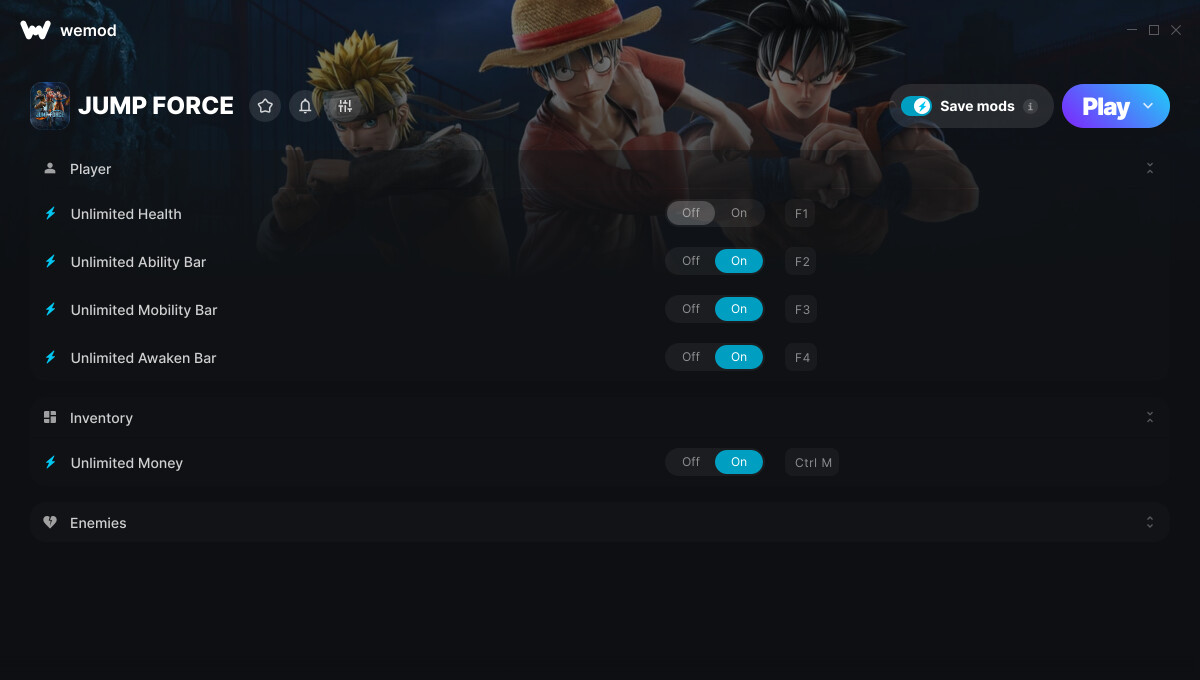
This is the official discussion topic of the JUMP FORCE Trainer and Cheats in the WeMod app. Please post any suggestions, bug reports, or praise that you may have for the cheats in here!
1. Unlimited Health
2. Unlimited Ability Bar
3. Unlimited Mobility Bar
4. Unlimited Awaken Bar
5. Unlimited Money
6. Hit Enemy
7. Drain Enemy Ability Bar
8. Drain Enemy Mobility Bar
9. Drain Enemy Awaken Bar
Important Notes:
Click here to view important information about these cheats.
Download and replace JUMP_FORCE.exe using the custom exe found here Wand forum
Screenshot:
Supported Game Versions:
We strive to keep our trainers up to date with the latest game versions. WeMod automatically detects which version you have installed and activates the mods accordingly. So there’s no need to worry about which version of the game you have!
Updates and Changes:
02/19/2019 Started development
02/19/2019 Released trainer with 5 cheats
08/09/2019 Unlimited Money cheat added Hit Enemy cheat added Drain Enemy Ability Bar cheat added Drain Enemy Mobility Bar cheat added Drain Enemy Awaken Bar cheat added Updated notes
10/24/2019 Bug fixes and game compatibility improvements
11/17/2019 Bug fixes and game compatibility improvements
01/07/2020 Bug fixes and game compatibility improvements Updated notes
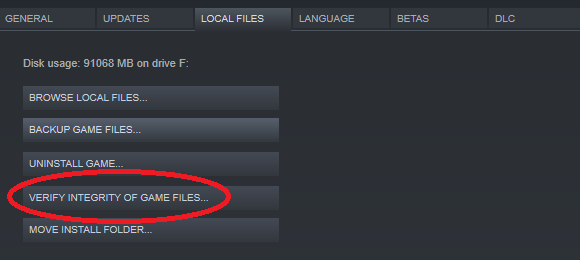
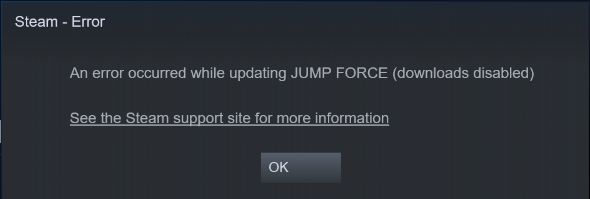
I have removed the JUMP_FORCE.exe and replaced it with the unzipped download file. Put steam in offline mode. Hit play in Wemod and I get the following pop up.
just like modding in dragon ball xenoverse 2, make sure you uninstall eac (easy anti-cheat). it should work then, also dont launch it from steam, launch it from its application file in its folder.
For the rar download, i am trying to find a way to open it in a program but it only gives me wordpad as an option, and when i open it, all I get is a bunch of random gibberish. Where am I supposed to save it to?
Seem like a lot of people have issues, but the trainer should work fine.
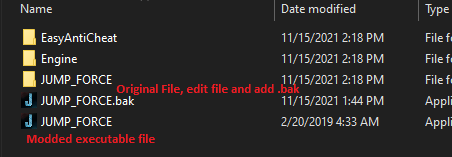
If you take the original file and change the name with adding “.bak” to it, then unrar the Jump Force.exe and place it in the same directory.
It should end up like the pic above, then try starting the game through WeMod and it will launch without Easy Anti-Cheat.